
As we look toward the monumental launch of Grand Theft Auto 6, gamers are meticulously calculating their hardware budgets. Upgrading your graphics card for 4K resolutions and buying an explosive new processor are obvious steps. However, there is a silent, creeping bottleneck that millions of gamers are completely ignoring: the sheer, staggering reality of the GTA 6 file size.
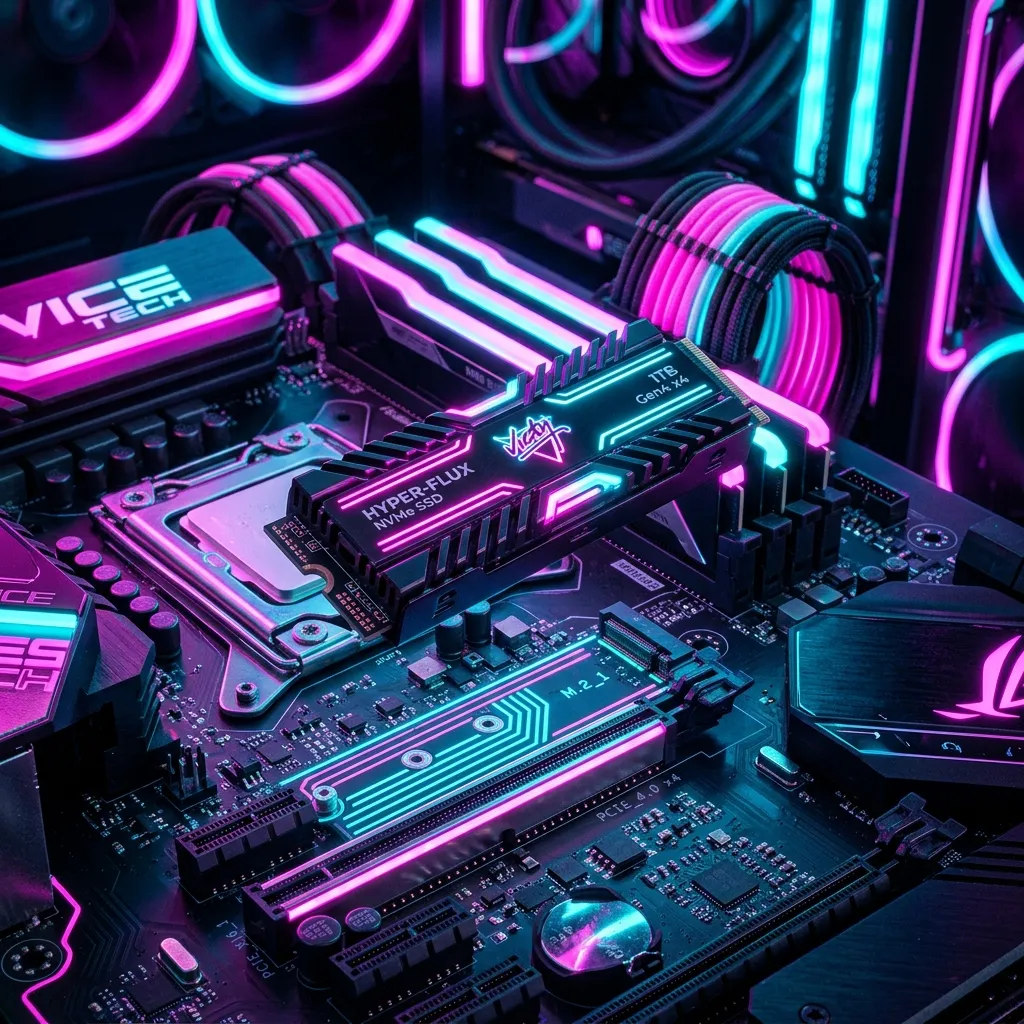
In modern AAA gaming, storage is no longer just a digital closet where you throw your installed programs. It is an active, hyper-critical component of how a game actually plays. The era of buying a massive, cheap mechanical hard drive (HDD) and storing your entire Steam library on it is definitively over.
Based on Rockstar’s historical data, the dense uncompressed audio of RAGE 9, and the sheer geographical footprint of the Leonida map, installing GTA 6 is going to induce panic across the world’s broadband networks. In this comprehensive guide, the hardware analysts at SpecVI break down exactly how massive the GTA 6 download size will be, why your current storage solution might cause the game to physically break, and how to seamlessly prepare your system.
The Historical Trajectory of Rockstar Games
To perfectly estimate the GTA 6 file size, we cannot rely on guesses; we must look at Rockstar’s own engine evolution over the last decade.
When Grand Theft Auto V launched on PC in 2015, its base installation size hovered around the 65GB mark. Over the next decade, through endless expansions of GTA Online—adding arenas, casinos, submarines, and islands—the file footprint ballooned to well over 110GB.
Then came Red Dead Redemption 2 in 2018 (PC release in 2019). Moving the RAGE engine to handle hyper-realistic nature, volumetric clouds, and 4K uncompressed textures forced the base installation up to a staggering 150GB.
We are currently looking at a game entering the market in 2026. Call of Duty installations regularly push 200GB. Ark: Survival Ascended easily crosses the 150GB line. With GTA 6 promising more dynamic interiors, ray-traced global illumination asset maps, and a map of Leonida that dwarfs Los Santos, the mathematics are clear.
The 250 Gigabyte Proposition
Our internal calculations, heavily correlating with leaked developer builds and modern console architecture limits, suggest that the GTA 6 file size will launch between 200GB and 250GB on PC.
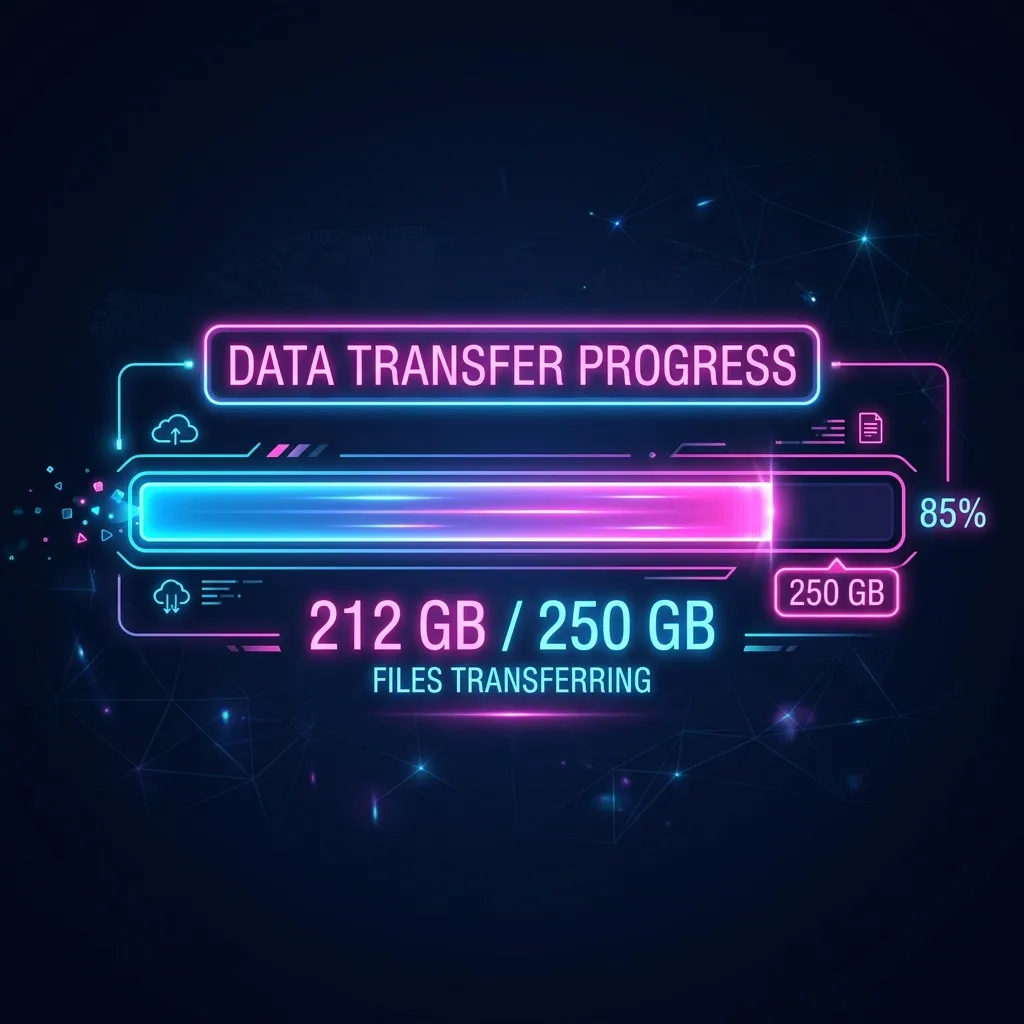
Why is it so catastrophically huge?
- 4K Native Textures: While console versions utilized sophisticated compression to fit on standard Blu-Ray discs, the eventual PC port of GTA 6 will undoubtedly include the “Ultra” 4K texture pack by default. High-resolution textures are the primary culprit behind massive file sizes.
- Uncompressed Spatial Audio: GTA 6 is heavily leaning into ray-cast spatial audio. Every gunshot in a Vice City alleyway will calculate the distance of the surrounding walls and dynamically generate an echo. To do this without severe CPU delay, thousands of individual, uncompressed sound files must be stored locally.
- Dialogue Decay AI: As we noted in our massive GTA 6 2026 Development Update, the new NPC memory logic requires vast arrays of interconnected audio dialogue to be permanently stored so pedestrians can “remember” your actions.
- Interiors and MLOs: One of the historic complaints about GTA V was the lack of enterable buildings. Rockstar has explicitly answered this by engineering hundreds of seamless interior spaces in Leonida—from pawn shops and nightclubs to massive hotel lobbies. Every interior requires its own unique geometry and lighting data.
Why a Mechanical Hard Drive (HDD) Will Break GTA 6
Let us be remarkably clear: installing GTA 6 on a mechanical, spinning Hard Disk Drive (HDD) will not just result in long loading screens. It will fundamentally ruin the game.
Open-world games do not load the entire map into your RAM when you boot them up. Instead, they utilize a process called “streaming.” As you drive the speed limit down a road, your storage drive is constantly furiously pulling the environment details for the next block and sending them to your GPU to draw.
Mechanical hard drives have read speeds maxing out around 150 Megabytes per second (MB/s).
If you steal a Grotti Cheetah and blast down the Vice City highway at 150 miles per hour, an HDD simply cannot pull the data fast enough to render the city in front of you. The result? The road disappears, you fall through the map into the void, and your game crashes.
You can use our Can I Run GTA 6 Checker right now. If it detects a primary mechanical hard drive in your gaming system, it will flag your PC as non-compliant.
The Mandatory Upgrade: Gen 4 NVMe Solid State Drives
If an HDD is a horse-drawn carriage, a SATA SSD (the older, rectangular solid-state drives) is a Honda Civic maxing out at 550 MB/s. But to comfortably tame the beast that is GTA 6, you need a fighter jet.
You need an NVMe M.2 Solid State Drive.
Specifically, you should be targeting PCIe Gen 4 or Gen 5 drives. These components look like sticks of chewing gum that plug directly into your motherboard. A high-quality Gen 4 NVMe SSD boasts read speeds of over 7,000 MB/s. This is roughly 46 times faster than a standard hard drive. (If you aren’t sure if your motherboard supports this, check our guide on the Best Motherboard for GTA 6).
When a game built on RAGE 9 demands assets, a Gen 4 NVMe drive delivers them instantaneously. This completely eliminates texture pop-in during high-speed chases and keeps you fully immersed in the world without looking at low-resolution, blurry bBest GPU for GTA 6uildings. In fact, if you refer to our overall Best PC Build for GTA 6, we explicitly list a 2TB NVMe as the absolute baseline.
DirectStorage and the Death of the Loading Screen
There is another massive technological reason to upgrade your storage immediately. Microsoft’s “DirectStorage” API is becoming the gold standard for PC gaming, and a title with the unprecedented budget of GTA 6 will unquestionably leverage it.
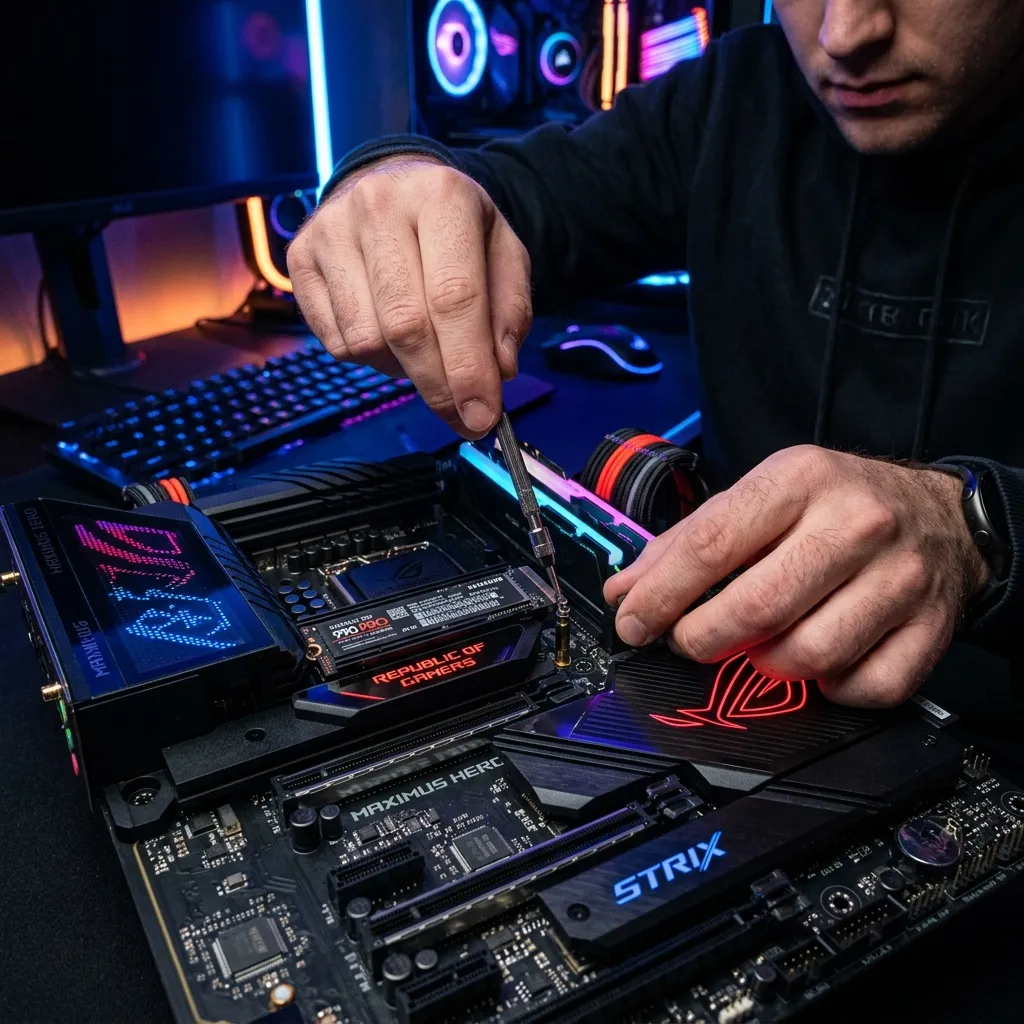
Traditionally, when a game pulls texture data from your storage drive, it has to send that data to your CPU to decompress it before finally sending it over to your incredibly fast Graphics Card. This creates a terrible bottleneck and slows down rendering.
DirectStorage bypasses the CPU entirely. It allows your NVMe SSD to shoot raw texture data directly into your graphics card’s VRAM, relying on the GPU’s massive parallel processing power to instantly decompress it.
What This Means For You
If you have a Best GPU for GTA 6 candidate and a blazing-fast NVMe setup, the concept of a “loading screen” effectively dies. Fast-traveling across the massive state of Leonida, or switching dynamically between the dual protagonists (Jason and Lucia) will happen in exactly one to two seconds. A black screen blinks, and you are there.
However, DirectStorage only works if you are using an NVMe SSD. If you lag behind on older storage technology, you will be penalized with agonizing 45-second to 2-minute loading screens every time you switch characters or enter GTA Online.
Dedicated Game Drives: Separating Your OS
A highly recommended strategy for dedicated PC enthusiasts is the implementation of a “Dedicated Game Drive.”
Windows operates aggressively in the background. It is constantly indexing files, downloading microscopic updates, and running security checks on your primary “C: Drive.” If you install a massive, demanding 250GB monster like GTA 6 on the exact same drive that Windows is using to operate, the two processes will fight for bandwidth.
To achieve maximum framerate stability:
- Drive A (1TB NVMe): Your C: Drive. Install Windows 11, Spotify, Discord, OBS, and your web browser here.
- Drive B (2TB NVMe): Your dedicated game vault. Install Steam, Rockstar Launcher, and GTA 6 heavily isolated here.
For a deeper dive into the specific brands and models that currently dominate the storage market (and feature the endurance ratings to survive daily gaming), review our expertly curated list of the Best SSD for GTA 6.
What About External Drives?
With a 250GB download looming, many laptop gamers or budget desktop users often ask: Can I just buy a 2TB external USB hard drive and plug it in?
Absolutely not. We comprehensively cover the struggles of mobile form factors in our Best Gaming Laptop for GTA 6 guide, but the core rule applies to everyone: USB ports introduce brutal latency. Even the fastest USB-C standard cannot reliably deliver the sustained random read operations required to render an open-world game without causing hitching and audio desynchronization. Your drive must have a direct PCIe connection to the motherboard.
Final Verdict: Preparation is Cheaper Than Panic
Storage prices fluctuate wildly based on global supply chains. As we inch closer to 2026 and Rockstar officially posts the staggering system requirements sheet, millions of gamers will rush to retailers simultaneously to buy high-capacity NVMe drives, inevitably causing prices to surge.
Do not be part of the panic.
If you have less than 300GB of free space on your fastest solid-state drive today, you are already mathematically behind. We highly recommend utilizing the GTA 6 GPU Calculator and our overarching requirement checkers now to ensure the rest of your system is balanced. But whatever you do, prioritize a 2 Terabyte Gen 4 NVMe drive immediately. When Vice City finally opens its borders, the players with the fastest storage will be the first ones on the streets.